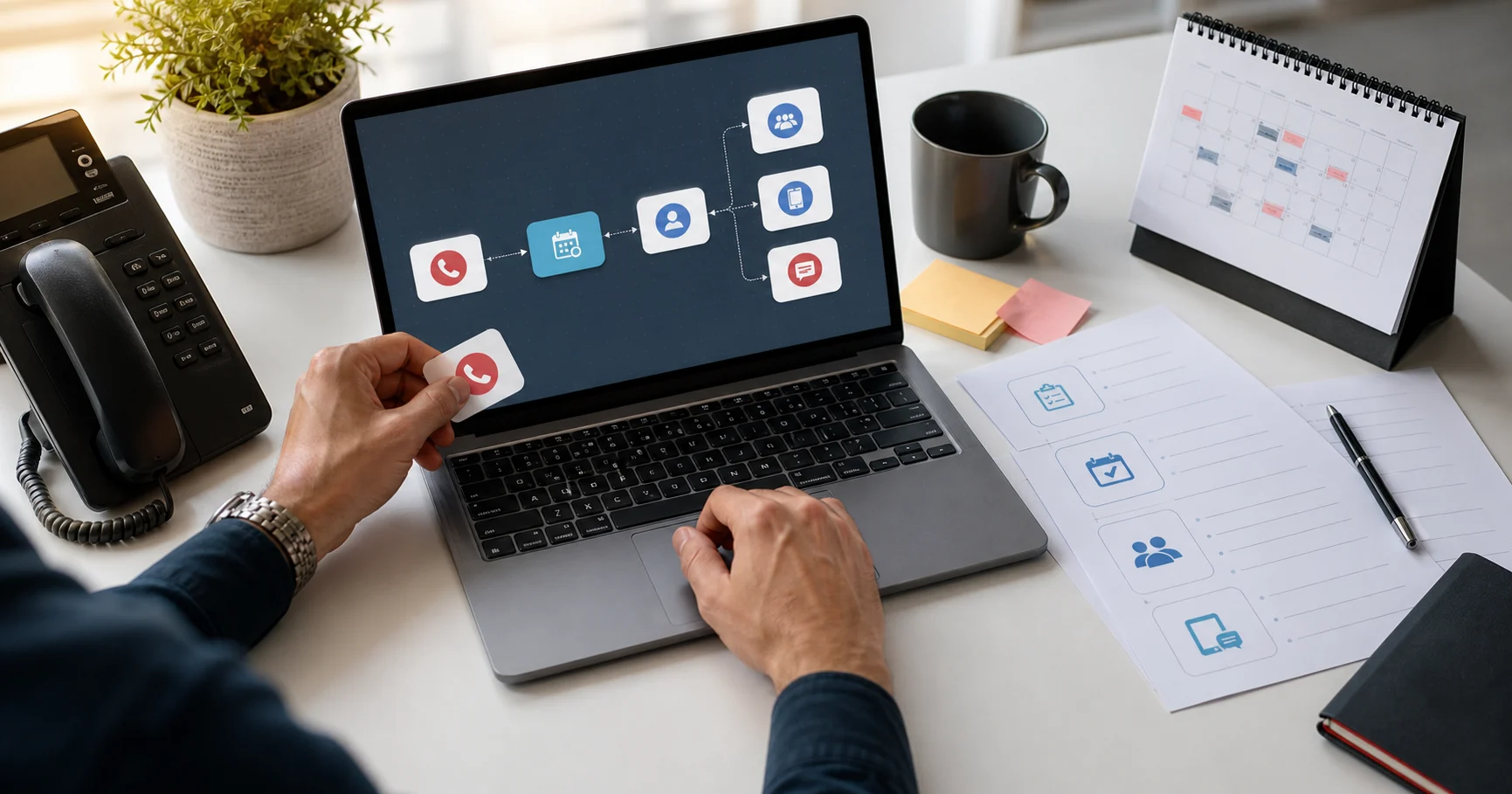
An AI virtual receptionist for a small business answers the phone when you cannot. It can greet callers, answer common questions, book appointments, take messages, text follow-up details, and route urgent calls to a person.
For Canadian service businesses, the buying question is not “can AI talk?” The real question is: can it handle the front-desk work your team keeps missing?
This guide explains what an AI virtual receptionist does, how to evaluate one, and where Dialbox’s AI virtual receptionist fits for Canadian businesses.
Updated July 2026.
What an AI virtual receptionist actually does
A useful AI receptionist handles five jobs:
- Answers calls 24/7. No lunch gaps, no after-hours voicemail, no missed overflow when staff are already with customers.
- Understands caller intent. It can tell the difference between a new booking, an existing customer, a service question, and an urgent issue.
- Books appointments. The best systems check live availability and confirm a time while the caller is still on the phone.
- Routes or escalates. When a caller needs a person, the AI transfers, texts, or takes a detailed message based on your rules.
- Keeps a record. Calls, transcripts, summaries, appointments, SMS, and contact history should be easy for your team to review.
If the system only says “someone will call you back,” it is closer to voicemail than a receptionist.
Why Canadian small businesses are looking now
Phone calls still matter for local services. A clinic patient, salon client, legal prospect, or renovation lead often wants an answer now, not tomorrow.
Canadian owners also have local requirements:
- Canadian phone numbers and Canadian pricing
- English and French support where needed
- PIPEDA-conscious privacy workflows
- A way to handle callers across time zones, weekends, and statutory holidays
- Clear routing when a caller needs a human
Dialbox is built around that reality. It combines AI reception with a business phone line, appointment booking, SMS/MMS, customer history, team transfers, and AI receptionist pricing in Canada based on handled-call pools.
What to look for before buying
1. Appointment booking, not just message taking
If your business books consultations, estimates, classes, appointments, or service calls, test the booking flow first. Ask whether the receptionist can use a real calendar, offer available times, confirm the appointment, and send an SMS confirmation.
Dialbox includes native appointment booking in beta and also supports connected calendars such as Google Calendar, Microsoft Outlook, Calendly, Square, and Acuity.
2. Business knowledge
Your receptionist should know your services, hours, pricing guidance, policies, locations, service areas, and staff routing rules. A generic voice bot can sound nice and still fail the caller.
3. Follow-up after the call
Good reception does not end when the call ends. Look for transcripts, summaries, SMS follow-up, contact records, appointment records, and clear staff handoff.
Dialbox connects calls, SMS, forms, website chat, forwarded email, appointments, and notes through customer memory.
4. Canadian French and bilingual markets
If you serve Quebec, New Brunswick, Ottawa, Gatineau, Moncton, or bilingual communities, test French during the trial. Do not settle for a checkbox. Call your own number and listen.
Dialbox supports Canadian French voice options modelled on Quebec accents.
5. Privacy posture
Ask how recordings, transcripts, summaries, deletion, permissions, and AI training are handled. Dialbox is built for PIPEDA-conscious workflows with encryption, access controls, deletion controls, consent-aware messaging, and no customer conversation training.
Common small-business use cases
The best AI receptionist setup depends on what your front desk does today. For many Canadian businesses, the phone is not one workflow. It is a mix of new leads, existing customers, appointment changes, staff questions, and urgent calls.
Home services
Contractors, cleaners, HVAC shops, appliance repair teams, locksmiths, and renovation companies need fast triage. A caller may want to know whether you serve their area, how soon someone can come, whether the issue is urgent, and what information you need before quoting.
An AI virtual receptionist can collect the address, service type, availability, urgency, and callback details. It can also route emergencies differently from routine quote requests. That matters when you do not want a broken furnace call handled the same way as a general renovation inquiry.
Health, wellness, and personal services
Massage therapists, chiropractors, spas, salons, clinics, dentists, and wellness practices usually care about booking and rescheduling. These calls are often short, but they are valuable. If staff are in treatment rooms, every missed call can become an empty slot.
For these businesses, test whether the AI can confirm service type, preferred practitioner, appointment duration, location, and intake instructions. If French-speaking callers are part of your market, test the full booking path in French too.
Professional services
Law firms, accountants, consultants, financial advisors, notaries, and agencies need intake without overpromising. The AI should gather contact details and context, but it should not provide legal, financial, medical, or regulated advice.
This is where routing rules matter. A good AI receptionist can identify a new inquiry, capture the reason for the call, explain the next step, and send the right notification to staff. Sensitive judgement still belongs with a person.
Mistakes to avoid
Choosing the nicest voice instead of the best workflow
A natural voice is important, but it is not the whole product. A pleasant AI that cannot book, route, summarize, or text the customer is still leaving work for your team.
During a trial, judge the full outcome. Did the caller get helped? Did the appointment land in the calendar? Did the text go out? Did the team get a useful summary?
Launching without escalation rules
AI reception works best when it knows its boundaries. Decide what should transfer, what should become a message, what should be declined, and what should be handled by staff.
Examples:
- Same-day cancellation requests go to the front desk.
- Emergency service calls go to the on-call person.
- Legal or medical questions get intake only, not advice.
- Out-of-area jobs are declined politely.
- VIP contacts can bypass normal routing.
Treating every caller as new
Returning customers should not feel like strangers every time they call. If your AI receptionist can connect conversations to contact history, your team gets better context and callers get a smoother experience.
Dialbox customer memory helps connect calls, SMS, appointments, forms, notes, and previous interactions so staff can see what happened before.
What an AI receptionist should say when it does not know
This is one of the most important tests. A weak system guesses. A strong system admits the limit and creates a useful next step.
Good responses sound like:
- “I can take the details and have the team confirm that.”
- “I do not want to give the wrong price. I can collect the information needed for a quote.”
- “That sounds urgent. I can try to reach the on-call person now.”
- “I can help with scheduling, but the practitioner will need to answer treatment questions.”
This protects the caller experience and the business. It also makes the AI feel more trustworthy because it is not pretending to be an expert in areas where staff should decide.
How long setup should take
For a simple business, setup can be fast: greeting, hours, services, service area, calendar, transfer numbers, and a small FAQ list. More complex teams need more planning.
Use this practical timeline:
| Setup stage | What happens | Typical owner effort |
|---|---|---|
| Business basics | Name, hours, services, location, staff | 30 to 60 minutes |
| Call routing | Decide who gets which calls | 30 to 90 minutes |
| Booking setup | Calendar, services, duration, buffers | 60 to 120 minutes |
| FAQ writing | Common answers in plain language | 60 to 180 minutes |
| Test calls | Run real scenarios and adjust | 60 to 120 minutes |
The work is worth doing. Most problems with AI reception come from unclear business rules, not from the voice itself.
Best fit
An AI virtual receptionist fits best when:
- Your team misses calls while serving customers
- Your callers ask repeatable questions
- You book appointments or consultations
- You need after-hours or overflow coverage
- You want text follow-up and searchable call summaries
- You are tired of running phone, calendar, SMS, and notes in separate places
It is less ideal when every call requires nuanced professional judgment. In that case, use AI for intake and routing, then hand sensitive work to a person.
How to test a trial
Run five calls before you go live:
- A simple booking request
- A caller asking about price or service fit
- An urgent call that should transfer
- A caller who changes their mind mid-call
- A French-language caller if that matters for your market
Then review the transcript, summary, contact record, appointment, and text follow-up. That tells you more than any product demo.
Bottom line
For Canadian small businesses, the strongest AI virtual receptionist is not the one with the flashiest voice. It is the one that answers, books, routes, texts, and keeps the customer record clean.
Start with AI phone answering service Canada, compare AI virtual receptionist features, and review Canadian pricing. Dialbox offers a 7-day trial with a credit card required.